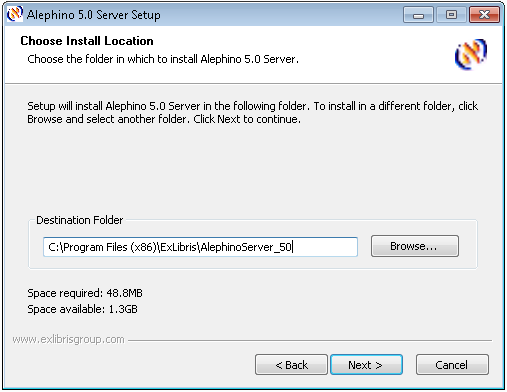
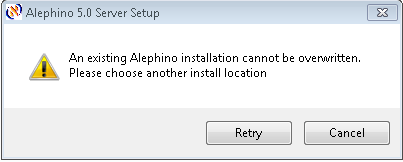
Setup doesn't allow to overwrite an existing Alephino installation. Otherwise you'll get an error message like this:
After successful installation of the new Server the outdated
Alephino server that will not be used anymore can be removed by Control panel / software.
For the completion of your Alephino server setup more data will be requested:
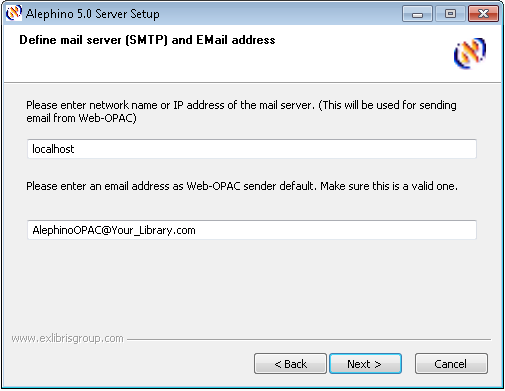
Setup asks for the mail server and the sender address for sending e-mails from the
Web OPAC:
Please enter the network name or IP address of the server in your local network which shall be used for sending e-mails.
Please note, that the mail server must allow to be addressed from Alephino
using SMTP protocol (TCP port 25). In its initial state, Alephino doesn't support authentication methods (SMTP-Auth).
If your SMTP-server requires an authentication before accepting e-mails for sending, please disable this function for Alephino.
The Alephino Release 5.0 can be configured to support authentication
(SMTP-Auth) with the methods PLAIN, LOGIN and CRAM-MD5 (see also RFC2554).
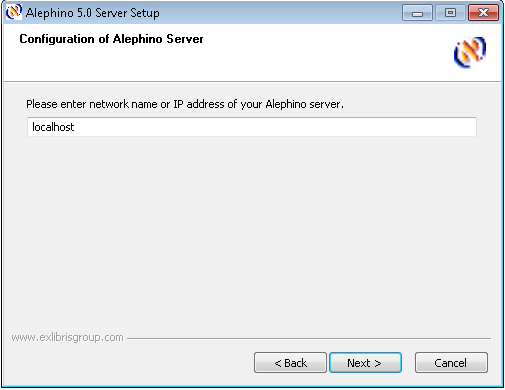
Setup will now ask for the address of the Alephino server. Pls. enter
the DNS name or IP address of the server on which the Alephino OPAC and
Web services will be operated. (This must no necessarily also be the
file server.)
If Server and Client are installed locally and should they only be used on the local PC, simply confirm localhost for default.
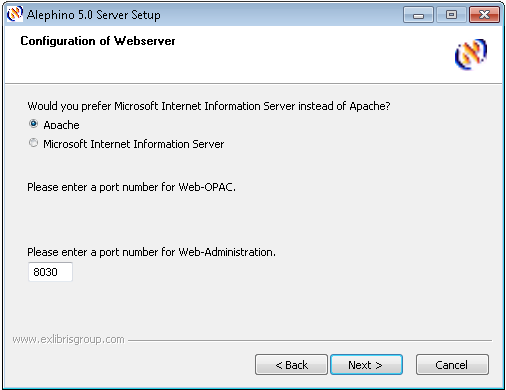
As next step you'll be asked for your preferred Web server and the port numbers to be used for OPAC and Web services:
Depending on your choice, Alephino will be setup for working with IIS or APACHE.
The port numbers you'll asked for will be used for creation of so
called port based virtual server entries in terms of the Apache http
server. Because http standard port 80 is supposed to be allocated already we formerly decided to use ports 8060 and 8030
for Alephino OPAC and Web services respectively for default. Feel free
to choose another port numbering, but note that different ports must be
used for OPAC and Web services anyway. The port numbers you've entered
will be used only in combination with your vote for Apache http server.
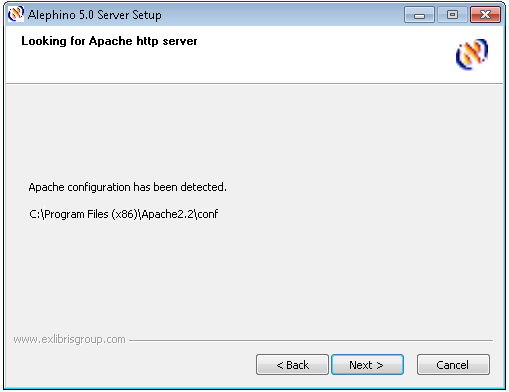
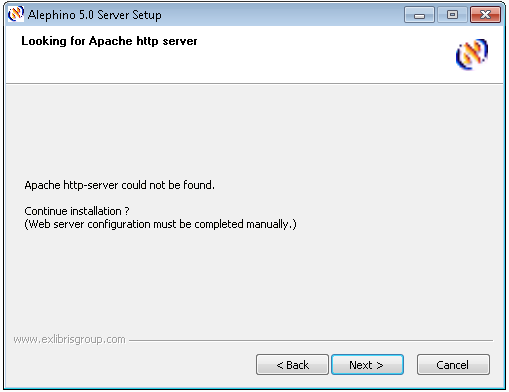
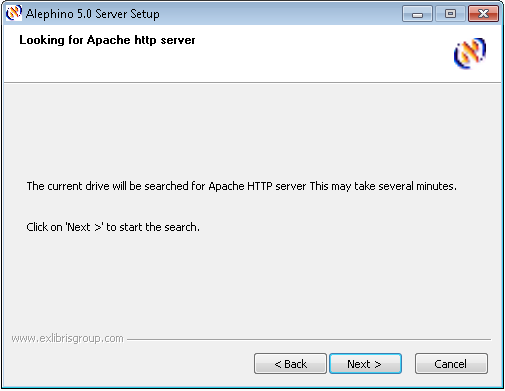
If you choose Apache for http server, setup now starts searching for its location:
In case of success you'll get the message:
Otherwise:
Installation type
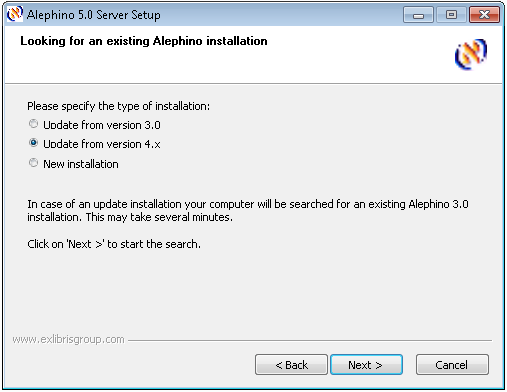
Next step is about installatio type. You can choose a new or an update installation.
An "Update installation" means, that in addition to a regular new
installation the license and user files and the borrower photographs will be copied from existing
Alephino server environment automatically.
If you choose "Upgrade from version 3.0" additional files needed for the upgrade procedure from
Alephino 3.0 will be created.
With "Upgrade from version 4.x" databases from that version will also be copied.
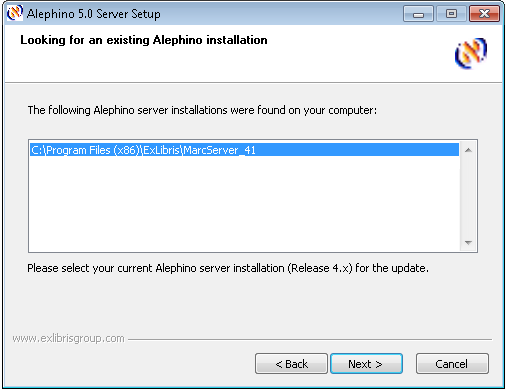
For update installation setup will search on the specified logical
drive for existing Alephino installations according to what you choose for source version. Alephino installations that have
been identified will appear in a list box.
Please select your currently operated Alephino server from that list.
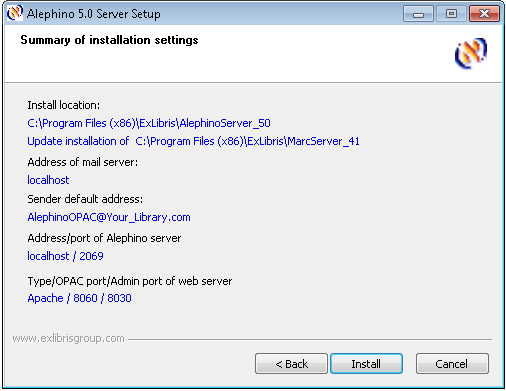
Summary of setup parameters
Before setup starts the copy action, a summary of all the parameters
you've entered will be presented. If you find everything correct, pls.
start the installation procedure by clicking the Install button.
And finally, please note:
The Alephino server needs a valid license file alephino.lic for its
operation - you cannot start it without!
Please copy the file which you should have received by e-mail or on a separate
data carrier to subdirectory etc of the Alephino server installation.
(In case of an update installation, the license file should have been
copied automatically from the previous installation.)